

Tutorials#
This tutorial series starts with executable Jupyter notebooks for one library at a time, then composes the libraries around reproducible design-research workflows. Every notebook renders its saved results directly after the cell that produced them. Only the Agents propose/critic notebook and final local-model walkthrough require a running model service.
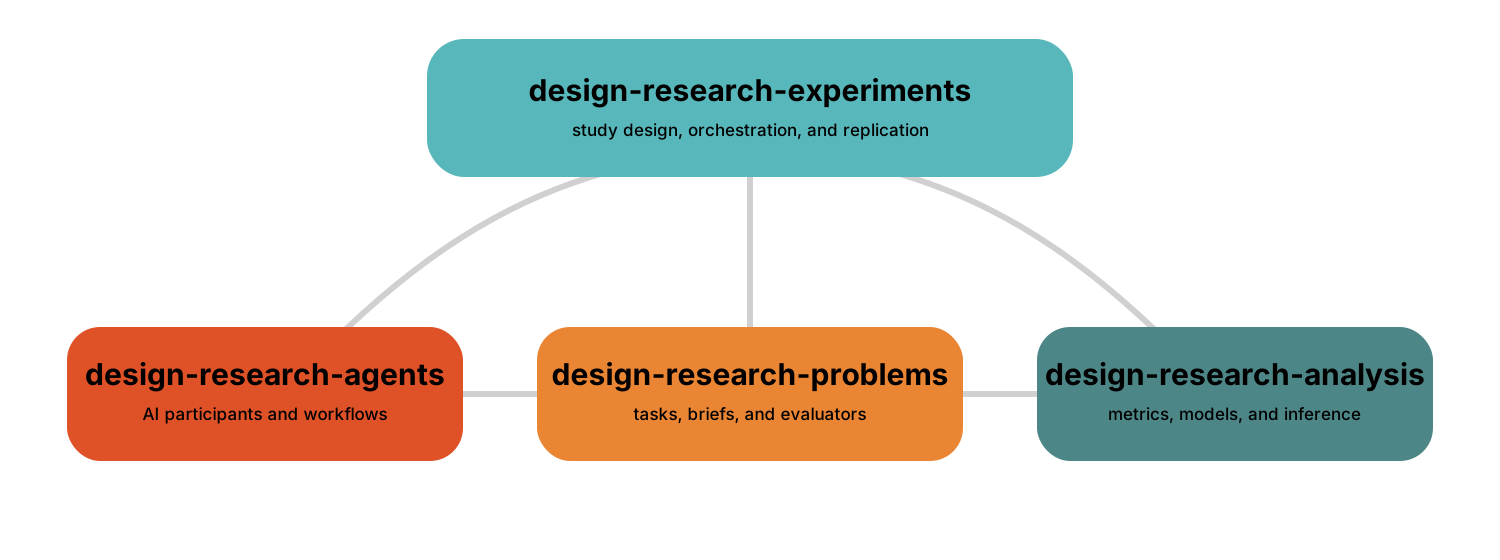
Choose A Starting Point#
Install design-research to follow the complete series. Install a component
package directly when you only need its focused notebook. Each notebook page
includes its exact environment command and a source download; see
Run An Example In VS Code for the complete VS Code setup.
Tutorial |
Primary skill |
Libraries |
|---|---|---|
Map 126 packaged word problems with TF-IDF and t-SNE. |
Problems |
|
Inspect and manually apply planar-truss grammar rules. |
Problems |
|
Refine a design rationale with an existing LLM pattern. |
Agents, Ollama |
|
Build a deterministic workflow from logic steps. |
Agents |
|
Test stay versus switch as a seeded experiment. |
Experiments |
|
Quantify agreement among protocol coders. |
Analysis |
|
Run one benchmark through canonical artifacts. |
All four libraries |
|
Compare condition-specific design-process traces. |
Problems, Experiments, Analysis |
|
Fit a regression from a partial factorial study. |
Problems, Experiments, Analysis |
|
Retain study evidence, then explicitly compile and bundle a paper draft. |
All four libraries |
Recommended Order#
Start with either Problems notebook, then compare the existing Agents pattern with the home-built workflow.
Complete the Monty Hall and reliability notebooks.
Run Compose The Libraries: Run A Benchmark Study to see the shared artifact contract.
Choose Compose The Libraries: Compare Design Processes for sequence analysis or Compose The Libraries: Analyze A Partial Factorial Study for design-of-experiments analysis.
Complete Study to Evidence to Paper Draft for the fresh-process reporting handoff.
Continue to Prompt Strategy Comparison Walkthrough when a local
llama.cppmodel should replace the deterministic agent.
All runnable files live under examples/. make examples-test executes
the complete offline set. Set RUN_OLLAMA_EXAMPLES=1 to include the
propose/critic notebook after starting Ollama. Set
RUN_LLAMA_CPP_EXAMPLES=1 for the separate managed llama.cpp
walkthrough; the two selections are independent. make notebooks-check
verifies that every focused notebook page still shows results corresponding to
its committed source.